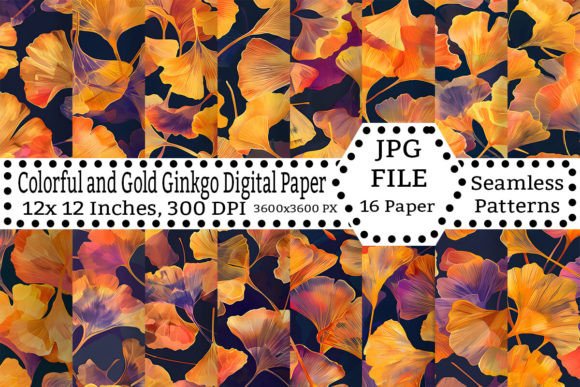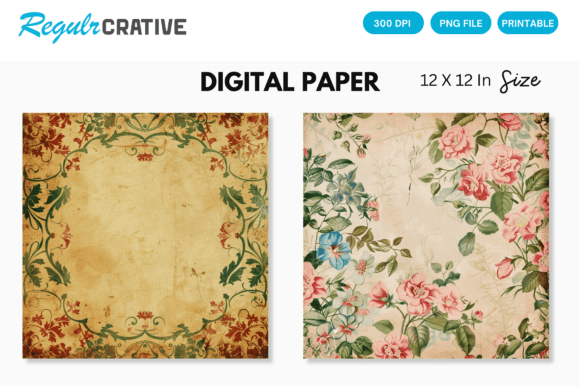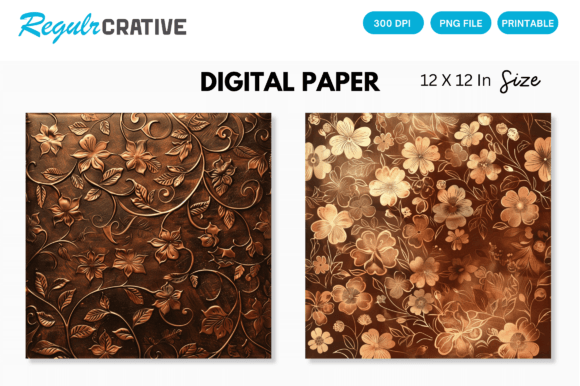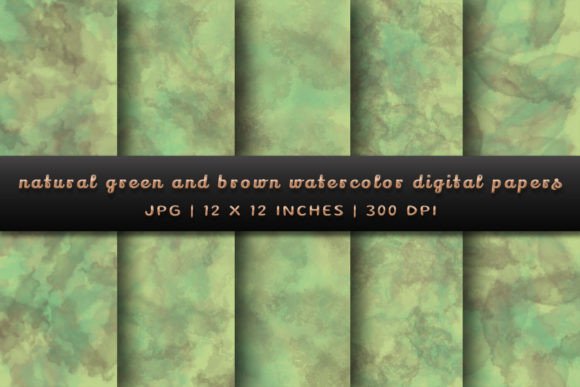
Metal Rusted Texture Digital Papers
In the landscape of digital design and physical crafting, texture is often the differentiator between a flat, generic output and a piece that commands attention. Metal Rusted Texture Digital Papers provide a sophisticated solution for creators who need to introduce industrial grit, vintage charm, or raw authenticity into their projects without the mess, time, or logistical hurdles of sourcing actual materials. This collection is not merely a set of images; it is a functional asset library designed to streamline workflows for designers, scrapbookers, marketers, and small business owners.
The core value proposition of this digital asset pack lies in its versatility and immediate availability. By offering high-resolution raster files in a standardized format, these textures allow professionals to integrate complex visual elements into both digital presentations and print-ready designs with minimal friction. Understanding how to effectively utilize these assets requires looking beyond the aesthetic appeal and examining the practical implications for file management, software compatibility, and final output quality.
Understanding the Asset Specifications
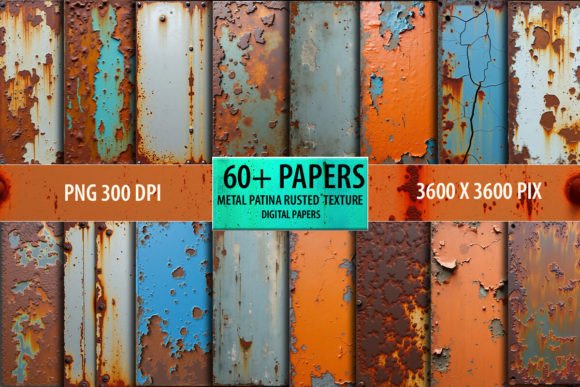
Before integrating these textures into a workflow, it is crucial to understand the technical specifications that define their usability. The product consists of a single zipped folder containing 60 distinct papers. Each paper is provided as a high-quality PNG file at 300 DPI (dots per inch), with dimensions of 12 x 12 inches (3600 x 3600 pixels). Additionally, 60 JPEG preview files are included, which serve as essential tools for quick identification and organization within larger project libraries.
The choice of PNG format is significant for several reasons. Unlike JPEGs, PNGs support transparency, although in the context of solid texture papers, the primary benefit is lossless compression. This ensures that when you scale these textures up for large-format prints or down for social media graphics, no generational loss occurs. The 300 DPI resolution meets the industry standard for professional printing, ensuring that the rust patterns remain crisp and detailed even when viewed closely. However, users must note that these are flattened raster files, not vector formats. This means they cannot be infinitely scaled without pixelation, nor can individual rust spots be isolated or edited as separate objects. For most design applications, this limitation is negligible, but it is a critical factor for those requiring editable, non-destructive editing capabilities.
Integration into Design Workflows
The true power of Metal Rusted Texture Digital Papers emerges when they are woven into specific stages of a creative or business process. Whether you are designing a brand identity, creating marketing collateral, or working on a personal craft project, these textures can serve multiple functions.
Pre-Production and Mood Boarding
During the conceptual phase, designers often create mood boards to establish a visual direction. The inclusion of rusted metal textures can immediately ground a design in a specific era or aesthetic—be it steampunk, industrial chic, or post-apocalyptic. Because the files are available as instant downloads, creators can pull these assets directly into tools like Adobe Photoshop, Illustrator, Canva, or Procreate to test color palettes and compositional layouts. The high resolution allows for accurate representation of how the texture will interact with typography and other graphical elements, reducing the need for guesswork during the planning stage.
Digital Design and Branding
For digital marketers and web designers, texture adds depth to user interfaces and promotional materials. A website landing page for a rugged outdoor gear brand, for instance, might use a subtle rusted metal overlay on background sections to convey durability and strength. These digital papers can be imported as smart objects in Photoshop, allowing designers to apply blending modes such as Multiply, Overlay, or Soft Light. This technique integrates the texture seamlessly with underlying colors, creating a cohesive look without obscuring important content. The 12x12 inch size is particularly useful here, as it provides ample surface area for tiling or cropping to fit various screen resolutions while maintaining aspect ratio integrity.
Print Production and Physical Crafts
One of the standout features of this collection is its suitability for hybrid workflows. Crafters and small business owners who sell physical products—such as greeting cards, scrapbooks, invitations, or packaging—can print these textures directly onto cardstock, photo paper, or specialty substrates. The 300 DPI resolution ensures that the fine details of the rust and corrosion are captured accurately by inkjet or laser printers. For DIY enthusiasts, these digital files eliminate the need to physically age paper or fabric, offering a consistent, repeatable result every time. This consistency is vital for businesses producing batch orders, where uniformity across dozens or hundreds of units is required.
Practical Implementation Tips
To maximize the utility of these digital papers, consider the following practical strategies for organization, usage, and quality control.
- Organize Your Library: Upon download, unzip the folder and organize the 60 PNG files into subfolders based on intensity or type (e.g., light rust, heavy corrosion, flaking paint). Use the included JPEG previews as thumbnails in your design software’s asset panel to speed up selection.
- Leverage Blending Modes: Do not simply paste the texture over your design. Experiment with layer blending modes. "Multiply" darkens the image and is excellent for adding shadow and grime. "Overlay" enhances contrast and works well for highlighting existing textures. "Screen" can lighten the effect, useful for subtle weathering.
- Combine with Other Textures: Metal rust rarely exists in isolation. Pair these digital papers with wood grain, concrete, or watercolor textures to create more complex, layered backgrounds. This mimics real-world wear and tear, adding narrative depth to the visual composition.
- Check Color Profiles: If you are designing for print, ensure your document is set to CMYK color mode and that your monitor is calibrated. Screen colors (RGB) often appear brighter than printed results. Test print a small section of your design before committing to a full run to verify how the rust tones translate to physical media.
- Use for Non-Destructive Editing: When working in software like Photoshop, keep your texture layers on separate adjustment layers. This allows you to tweak opacity, add masks to hide parts of the texture, or change the hue/saturation later without altering the original file data.
Compatibility and Software Considerations
The PNG format used in this collection ensures broad compatibility across almost all modern design platforms. You can import these files into Adobe Creative Cloud applications (Photoshop, Illustrator, InDesign), Affinity Suite, GIMP, CorelDRAW, and online editors like Canva or Pixlr. For crafters using Cricut Design Space or Silhouette Studio, these high-resolution images can be uploaded as background references or used for decal printing.
However, because these are raster images, they do not scale infinitely. If you need a texture for a billboard-sized print, you may encounter pixelation if you stretch the 12x12 inch file too far. In such cases, it is better to source higher-resolution assets or use the texture as a repeating tile pattern rather than a single stretched image. For standard web use, blog headers, and social media graphics, the 3600-pixel width is more than sufficient and can be easily downsized without quality loss.
Long-Term Value and Versatility
Investing in a digital asset pack like Metal Rusted Texture Digital Papers offers long-term value through reuse and adaptability. Unlike physical materials that degrade or run out, digital files can be used indefinitely across unlimited projects. This makes them an efficient resource for freelancers and agencies who handle diverse client needs. A single texture pack can serve a musician designing an album cover, a real estate agent creating a brochure for a renovated loft, and a teacher preparing educational materials about industrial history.
Furthermore, the instant download nature of the product aligns with the fast-paced demands of modern creative work. There is no waiting for shipping, no inventory management, and no risk of damage during transit. Once purchased, the files are yours to integrate into your workflow immediately. This immediacy supports agile decision-making, allowing creators to pivot directions quickly if a concept requires a different visual tone.
Conclusion
Integrating Metal Rusted Texture Digital Papers into your creative toolkit is a strategic move for anyone seeking to add depth, realism, and character to their work. By understanding the technical specifications, leveraging proper software techniques, and organizing assets efficiently, you can harness the full potential of these high-resolution textures. Whether used for enhancing digital branding, streamlining print production, or inspiring new craft ideas, these papers offer a reliable, versatile, and professional-grade solution for modern design challenges.